
Several factors may cause material to backflow into the extruder feed inlet, all of which ultimately stem from a reduction in the extruder’s conveying capacity. The specific factors are as follows:a) Feed rate exceeds the maximum throughput capacity of the extruder screwIf the feed rate exceeds the screw’s handling capacity, material will eventually backflow to the extruder feed inlet. For single-screw extruders, theoretically, increasing the screw speed can enhance this throughput. However, the extruder’s transmission components, such as the gearbox, limit a significant increase in screw speed. Before drastically changing the screw speed, the adjustable range should always be verified.b) Excessive steam injectionWhen the steam injection rate is 1-4% of the dry material handling rate, it has no impact on the screw’s conveying capacity. If the injection rate exceeds this range, the injected steam may block material passage through the steam injection zone, leading to backflow to the feed inlet. Reducing the steam injection volume resolves this issue.c) Excessive resistance during extrusion processingHigh resistance is often caused by structural resistance of the screw before the die head or excessively small die plate perforation area. A sudden increase in resistance can be observed through the pressure reading before the die head, which causes over-filling of the extruder barrel and thus backflow. Increasing the die plate opening area solves this problem.d) Wear of screw elements and barrel linerWorn screw elements severely reduce conveying capacity. For example, a bald leading edge of the screw flight increases leakage flow, which raises barrel filling and eventually causes backflow. A worn or partially worn barrel liner also lowers screw conveying capacity, possibly leading to feed section blockage.
Overload here refers to the extruder’s main drive motor reaching or exceeding full load, which may be transient or persistently in the danger zone. The following causes are common:
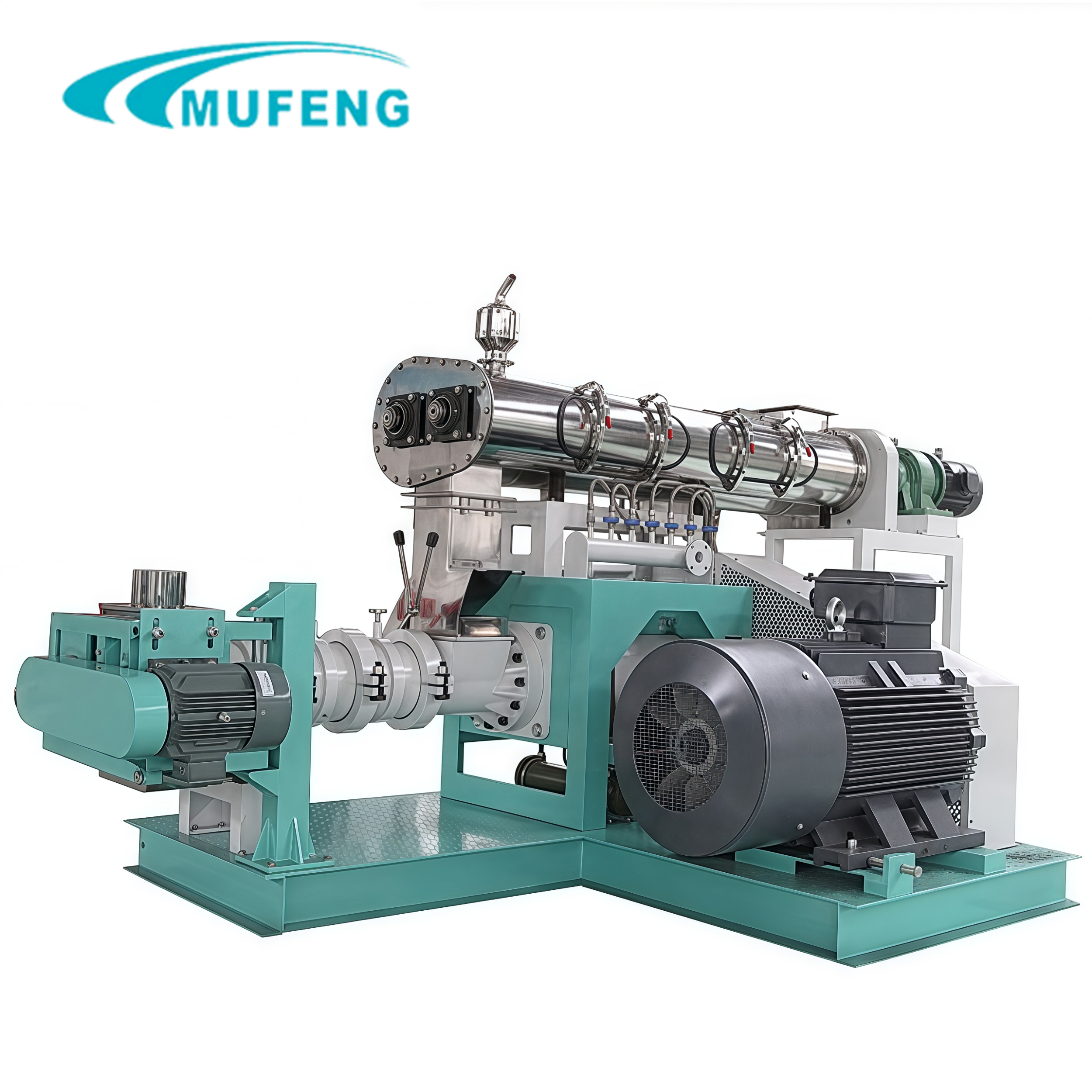
Multiple factors influence the product temperature at the die head, the most important being the mechanical energy added to the material during screw rotation, steam directly injected into the extruder barrel, and heat carried by material from the conditioner. Mechanical energy comes from the extruder’s drive motor: higher screw speed increases mechanical energy input and screw-material friction, raising die head temperature. Adding too much steam and hot water to the conditioner elevates material temperature at the conditioner outlet, which is transferred to the extruder and affects die head temperature. The heating or cooling medium circulating in the barrel jacket has a weak impact because of the small contact area between material and barrel wall, making die head temperature reduction during operation slow and difficult.
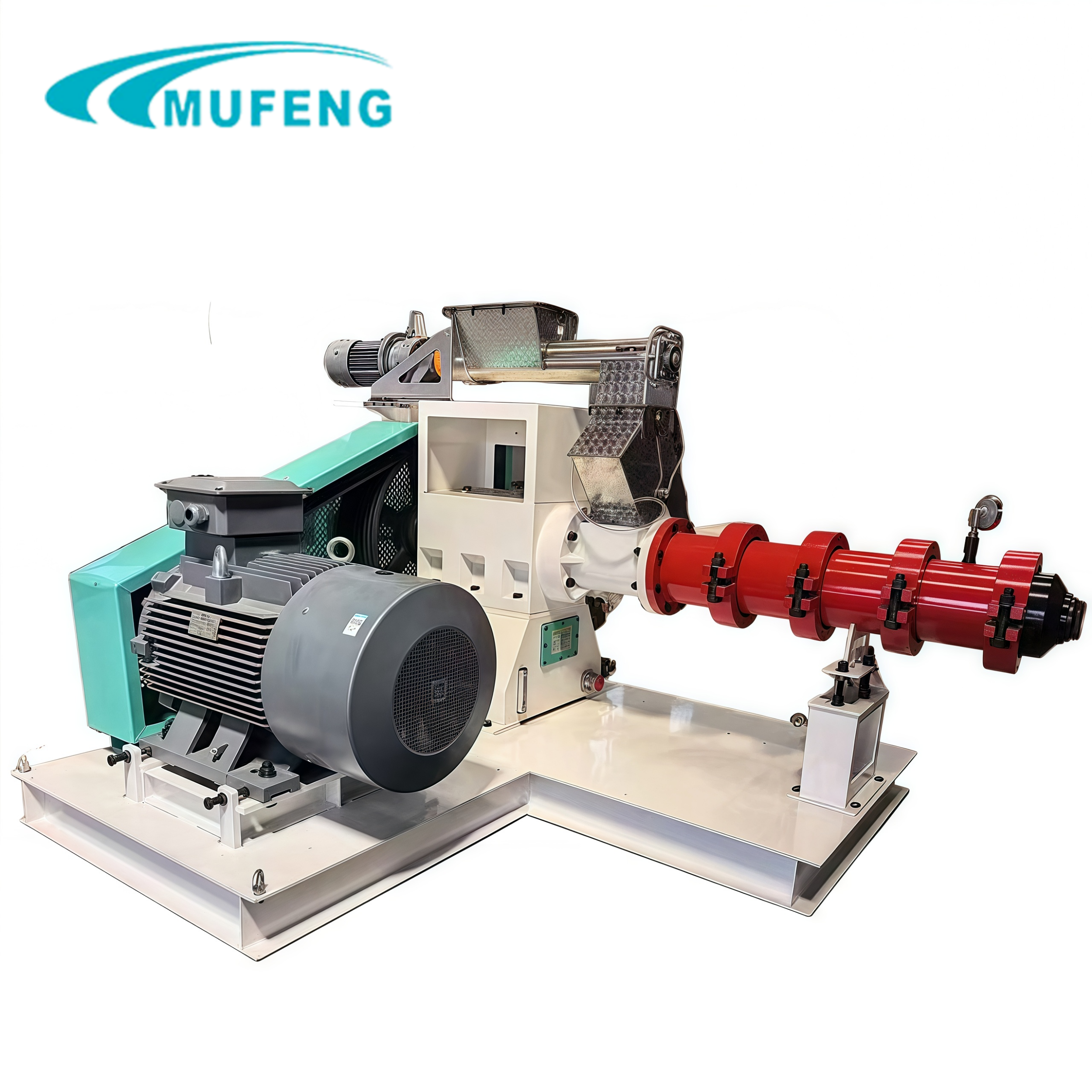
Direct steam injection into the material in the extruder barrel is an efficient way to input thermal energy. More energy leads to a higher expansion rate at the die head. Each kilogram of steam injected adds 1 kilogram of moisture to the material, increasing product moisture.
Excessive expansion is usually caused by too much energy added to the system. Methods to reduce expansion include:
Deformation of extrudate particles may be due to:• Excessively high material moisture: Soft particles deform when cut by the pre-die cutter• Too large a gap between the pre-die cutter and die plate: Causes deformation during cutting• Excessively high air flow velocity for conveying cut particles: Deforms or damages particles• Partial blockage and narrowing of some die holes: Results in continuous particle deformation• Too narrow die head structure space: Particles deform after hitting the protective cover
Bulk density is affected by formulation characteristics, processing conditions, and extruder mechanical structure. Assuming formulation and mechanical structure remain unchanged, adjust the following operating parameters:
Single-screw extruders can process many feed formulations, but as ingredient diversity increases, their processing performance faces more challenges. To expand the applicable formulation range:• Use variable frequency drive (VFD) for screw speed adjustment to improve flexibility• Use computer automated systems for material mass flow and temperature control to enhance system stability and controllability• Adopt new screw configurations to improve conveying, mixing, kneading, and shearing performance• Improve die head design by increasing streamline characteristics and installing bulk density controllers
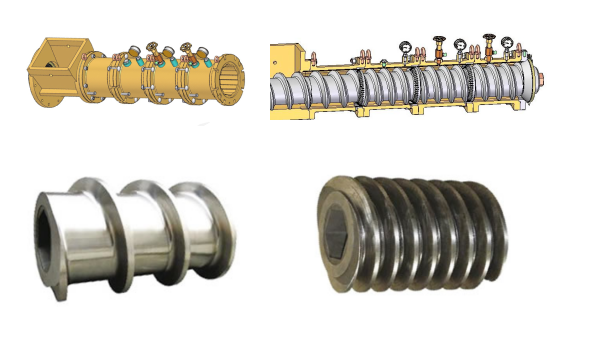
In general, when the gap between the screw flight and barrel liner inner diameter is 2.5 times larger than the new or unworn state, wear causes unstable production processes. Wear is caused by friction between material and screw/barrel inner wall, which is inevitable as mechanical energy converts to thermal energy. Effective measures to reduce wear include:Reducing raw material particle size distribution: Smaller particles gelatinize more easily and have lower abrasiveness.Increasing processing moisture: Reduces material viscosity and screw-material friction, thus lowering mechanical energy input and wear. Adding fat or oil also reduces friction by acting as a lubricant.Another type of wear is corrosive wear, usually caused by a low pH (acidic) environment from added salts in the formulation.